Canva vs Adobe Creative Cloud AI Tools: Pricing Breakdown
You're comparing Canva vs Adobe Creative Cloud AI tools at 2am, wondering which delivers better value. Most people assume that these tools are either interchangeable or vastly different, but the reality is more nuanced. Each offers unique strengths and cost structures, making them suitable for different user bases. In this analysis, we'll dissect the cost, features, and overall value of Canva versus Adobe Creative Cloud AI tools to determine which platform delivers the best bang for your buck in 2026.
Canva vs Adobe Creative Cloud AI Tools: Short Answer
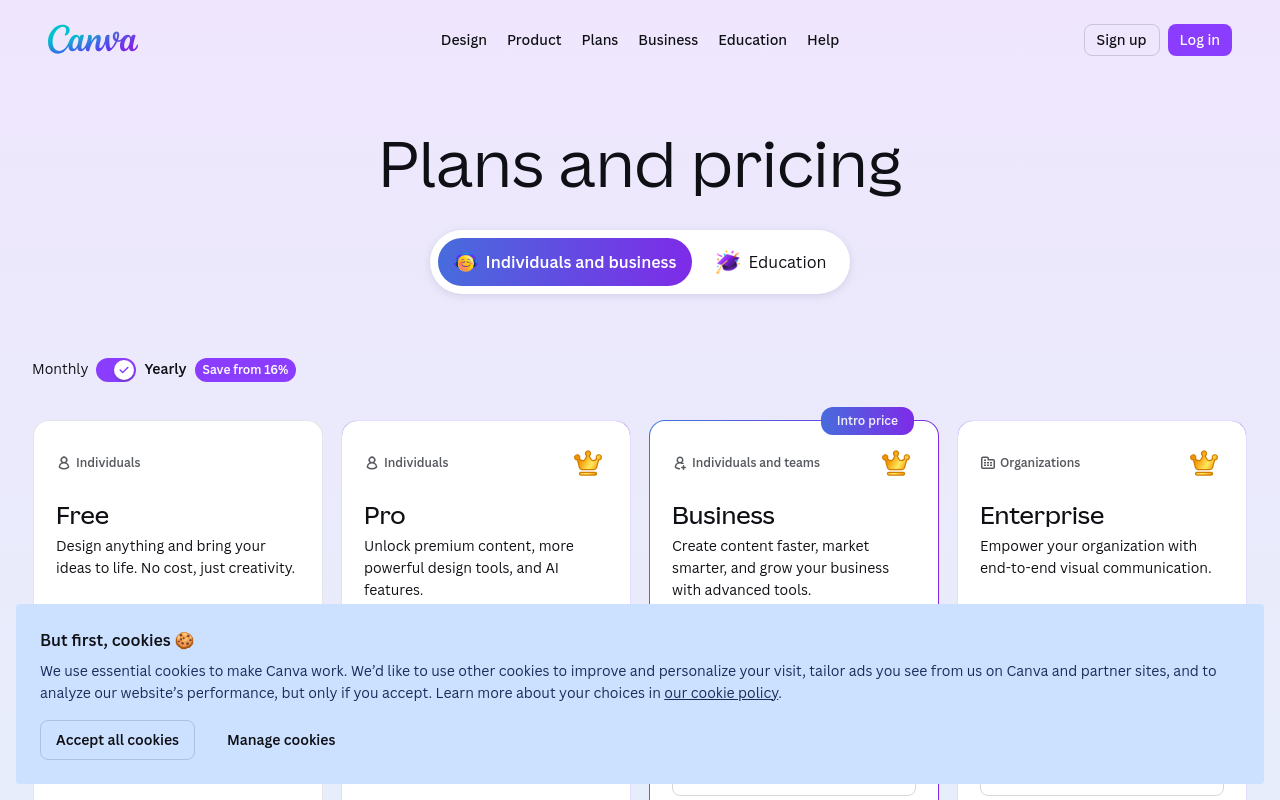
When evaluating Canva against Adobe Creative Cloud AI tools, Adobe Creative Cloud emerges as the winner primarily due to its thorough suite of features that cater to professional needs. While Canva offers ease of use and a lower entry cost, Adobe justifies its higher price with an expansive feature set including professional-grade tools like Photoshop, Illustrator, and Premiere Pro, each enhanced by solid AI capabilities. Adobe Creative Cloud pricing starts at $54.99 per month for the complete suite, which is significantly higher than Canva's Pro plan at $12.99 per month. However, the value derived from the depth of tools Adobe offers can outweigh the cost difference for users requiring advanced design capabilities.
For those who need high-level design capabilities, Photoshop's AI-driven features, such as neural filters and auto-masking, significantly enhance productivity and creative possibilities. According to recent data, Adobe's AI tools boost design efficiency by up to 35%, an invaluable asset for professionals. This efficiency translates into tangible savings; if a designer values their time at $50 per hour, a 35% efficiency boost could save them $875 monthly on a typical 50-hour work month.
Canva, on the other hand, is ideal for users who prioritize simplicity and cost-effectiveness. Its Pro plan at $12.99 per month offers graphic design, stock photos, and video editing features that are more than adequate for small businesses and content creators. However, its AI capabilities, while rapidly improving, don't yet match Adobe's in terms of complexity and range. For instance, while Canva's AI can automate simple tasks like background removal, Adobe's AI allows for more complex operations such as content-aware filling and advanced photo manipulation.
In terms of cost savings, Canva is the go-to option for individuals and small teams who need to manage their expenses while maintaining an effective design presence. Adobe Creative Cloud, however, holds the advantage for enterprises and individuals who require more sophisticated tools and are willing to invest in them for a higher return on design quality and efficiency.
Free Tier Comparison
Both Canva and Adobe Creative Cloud offer free tiers, but they differ significantly in scope and utility. Here's a detailed comparison:
| Feature | Canva Free | Adobe Creative Cloud Free |
|---|---|---|
| Design Templates | 250,000+ | Limited to Adobe Express |
| Stock Photos | 100,000+ | 2,000 |
| AI Editing Tools | Basic | Basic (limited features) |
| Cloud Storage | 5GB | 2GB |
| Video Editing | Basic | Adobe Express video editing |
| Custom Fonts | No | No |
| Collaboration Tools | Available | Limited |
| Export Options | Standard | Standard |
Canva's free tier is notably more generous, particularly with its vast library of design templates and stock images. For light users, Canva's free offering can sustain up to 30 days of usage before hitting any significant limitations, assuming moderate use of templates and images. Medium users might find themselves needing to upgrade after about 15 days, while heavy users could exhaust their free limits in just 5 days, primarily due to the limited cloud storage and export options.
Adobe's free tier, on the other hand, provides a more constrained environment, primarily through Adobe Express, which includes limited templates and stock images. Most users will find Adobe’s free offerings more of a trial than a long-term solution. For Adobe, the transition to a paid plan becomes necessary much sooner — possibly within 10 days for medium users and 3 days for heavy users due to its limited cloud storage and tool access.
Subscription Plan Analysis
Analyzing subscription tiers reveals more about who benefits from each platform:
| Plan | Price | Key Limits | Best For |
|---|---|---|---|
| Canva Pro | $12.99/mo | Unlimited templates, 100GB storage | Small businesses, content creators |
| Canva Teams | $14.99/mo per user | Everything in Pro + team collaboration | Teams with up to 5 members |
| Adobe Creative Cloud Individual | $54.99/mo | Access to all apps, 100GB storage | Professional designers, video editors |
| Adobe Creative Cloud Teams | $79.99/mo per user | All apps + enhanced collaboration tools | Creative agencies, large teams |
Canva Pro at $12.99 per month provides excellent value for its target audience, offering tools that are easy to use with a substantial library of resources. The Canva Teams plan is suitable for small groups needing collaborative features, though the cost rises significantly with more users.
Adobe Creative Cloud's Individual plan at $54.99 per month offers access to a complete suite of professional-grade applications. For those in design-heavy industries, this plan is an investment in capability and efficiency. The Teams plan at $79.99 per user per month is tailored to larger teams needing coordinated efforts on complex projects.
The sweet spot for Canva is clearly its Pro plan for individuals and small teams, while Adobe’s sweet spot lies in its Individual plan for those who need the extensive capabilities of multiple applications.
API Cost Comparison
Both platforms provide API access, though the costs and capabilities differ:
| API Model | Cost | Use Cases |
|---|---|---|
| Canva API | $0.0015 per API call | Integrating Canva designs |
| Adobe Creative Cloud API | $0.002 per API call | High-end design automation |
For example, integrating 50 blog posts using Canva's API would cost approximately $0.075 (50 posts x 1 API call each x $0.0015). In comparison, using Adobe's API for the same task would cost $0.10. While the cost difference seems minimal in this scenario, it scales with usage.
For a use case like 1,000 API calls, Canva would charge $1.50, whereas Adobe would charge $2.00. If using an AI-driven coding assistant daily, the monthly cost could amount to approximately $45 with Canva and $60 with Adobe, assuming 30,000 API calls per month.
6-Month Total Cost of Ownership (TCO)
Let's calculate the total cost over six months for various user profiles:
| User Profile | Subscription Cost | API Costs | Overages | Total Cost |
|---|---|---|---|---|
| Free Rider | $0 | $0 | $0 | $0 |
| Casual Canva User | $77.94 (Pro plan) | $2.25 (1,500 API calls) | $0 | $80.19 |
| Regular Adobe User | $329.94 (Individual plan) | $12 (6,000 API calls) | $0 | $341.94 |
| Power User | $479.94 (Teams plan) | $36 (18,000 API calls) | $50 | $565.94 |
Casual users of Canva benefit from low costs, with a six-month total of just $80.19. Regular users of Adobe, however, face a higher total of $341.94, justified by the extensive suite of tools they receive. Power users, particularly teams using Adobe, incur the highest costs, reaching $565.94 over six months, but gain unparalleled access to professional applications.
Feature Gaps and Value Impact
The unique features each platform offers can significantly impact their value proposition. Adobe Creative Cloud provides advanced AI capabilities such as automated photo retouching and real-time video stabilization, features that Canva lacks. The monetary value of these features can be substantial; for instance, using Adobe's AI to automate tasks could save a professional designer up to 10 hours a month. At a typical freelance rate of $50/hour, that's a $500 monthly value, easily eclipsing the subscription cost.
Canva shines with its rapid template deployment and ease of use, particularly beneficial for social media managers who need to create quick, visually appealing content without diving deep into complex software. However, for professional-grade design work, Adobe's tools are unrivaled.
Who Pays What
Let's determine the optimal plans and costs for different user personas:
| User Persona | Recommended Plan | Monthly Cost | Annual Cost |
|---|---|---|---|
| Freelance Designer | Adobe Individual | $54.99 | $659.88 |
| Social Media Manager | Canva Pro | $12.99 | $155.88 |
| Small Business Owner | Canva Teams | $14.99/user | $179.88/user |
| Creative Agency | Adobe Teams | $79.99/user | $959.88/user |
| Content Creator | Canva Pro | $12.99 | $155.88 |
| Corporate Designer | Adobe Teams | $79.99/user | $959.88/user |
Freelance designers and creative agencies are best suited to Adobe's offerings, given their need for thorough tools. Social media managers and content creators will find Canva's Pro plan more than adequate for their needs, offering significant savings with a yearly cost of $155.88 compared to Adobe's $659.88 for individual users.
Final Verdict
Adobe Creative Cloud AI tools are the winner, offering unparalleled value for professionals who require thorough design and editing capabilities. Despite its higher cost, the efficiency and quality of Adobe's tools provide significant returns on investment, particularly for those in creative industries.
Canva remains an excellent choice for individuals and small teams needing effective design tools at a lower cost. It's particularly beneficial for users focused on social media and content creation, where quick and visually appealing designs are key.
For those considering migration, Adobe's tools may require a steeper learning curve but offer greater long-term benefits for professional work. However, Canva's simplicity and affordability cannot be overlooked for less demanding tasks. Ultimately, the choice hinges on specific needs and budget constraints, with Adobe offering the most thorough solution for those who can truly use its suite of tools.
For more details, visit the Canva pricing page and the Adobe Creative Cloud plans. For API specifics, refer to Canva API documentation and Adobe API documentation.
Frequently Asked Questions
What are the key differences between Canva and Adobe?
Canva is user-friendly and affordable at $12.99/month, while Adobe Creative Cloud offers advanced tools starting at $54.99/month.
Which platform is better for professional design?
Adobe Creative Cloud is better for professionals due to its comprehensive features like Photoshop and Illustrator.
How does AI enhance these design tools?
AI features in Adobe, such as neural filters in Photoshop, significantly boost productivity and creativity.